

Description
Download Emoji Keyboard Cute Emoticons – emoji keyboard, cute emoticons, emoji dictionary, emoji app, fun keyboard, text faces, stickers, GIFs, customizable keyboard, auto-correct, word prediction, clipboard, privacy-focused, multilingual
Overview
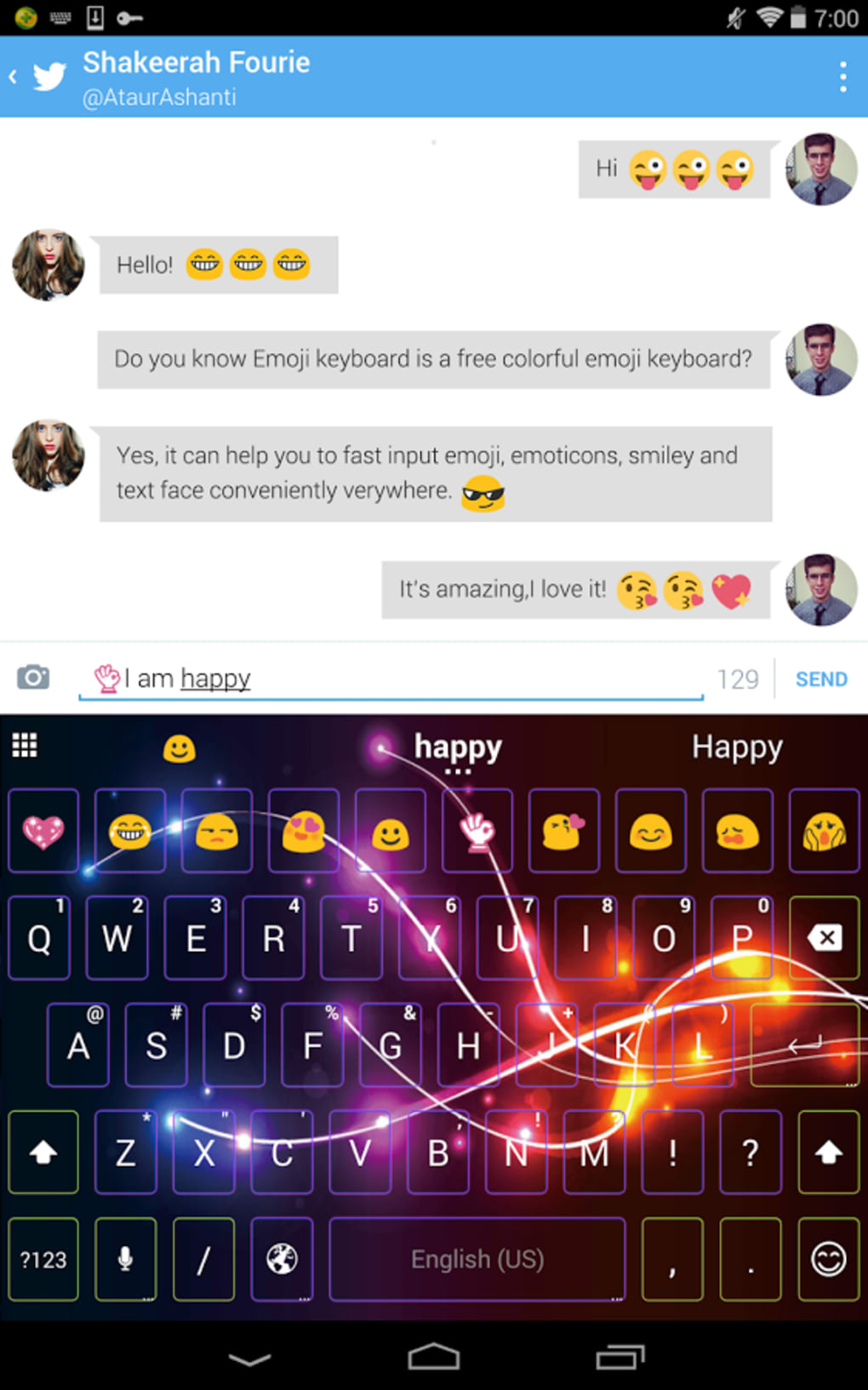
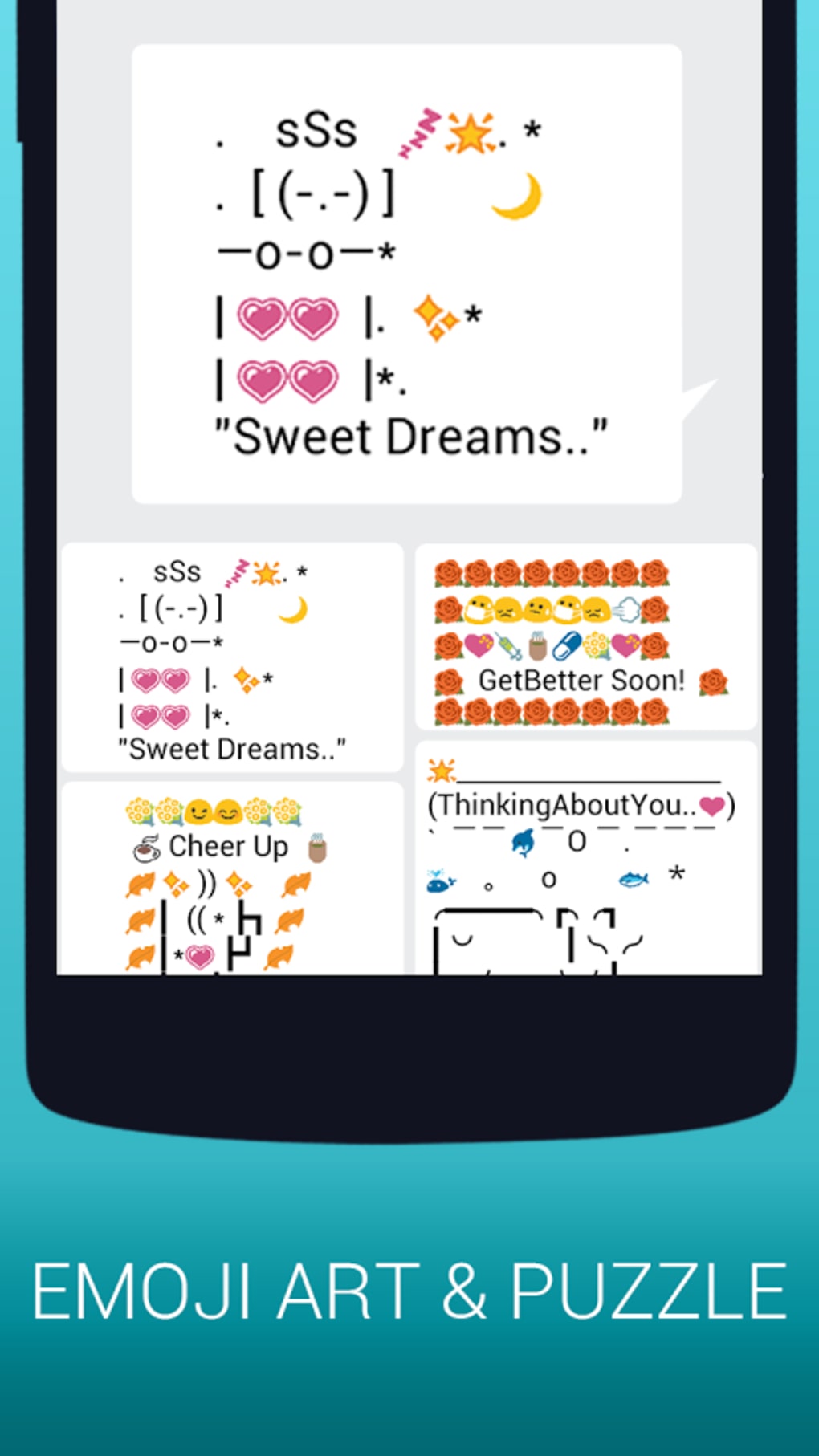
Emoji Keyboard Cute Emoticons is a mobile keyboard application designed for Android users seeking expressive, fun, and personalized communication tools. The app enables users to enhance their messaging experience through a wide array of emojis, text faces, stickers, and GIFs, making conversations more vibrant and engaging. Targeted primarily at teens and young adults, the software caters to individuals who value creativity and self-expression in digital interactions. Its core purpose is to simplify and enrich text-based communication by integrating intuitive features such as emoji prediction, real-time GIF search, and customizable themes. The developer, EmoTools, has positioned the app as a privacy-focused solution, emphasizing that it does not collect sensitive user information. While the developer’s background remains unspecified beyond the name, the app’s design suggests a focus on user experience and accessibility. Real-world usage scenarios include social media chats, messaging platforms like WhatsApp or Telegram, and casual online interactions where visual flair adds emotional context. The app supports multiple languages, broadening its appeal across diverse user bases.Key Features & Capabilities
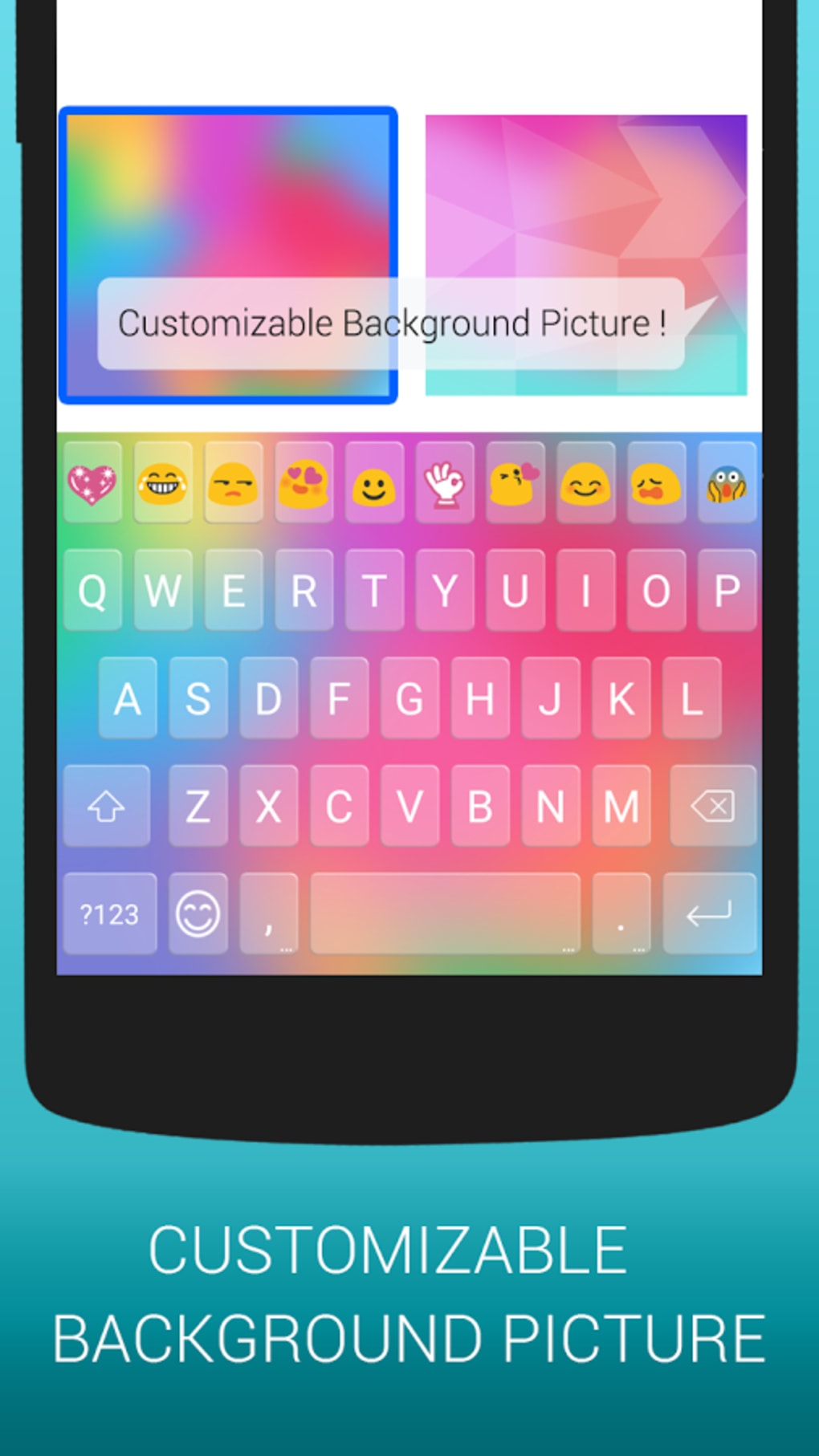
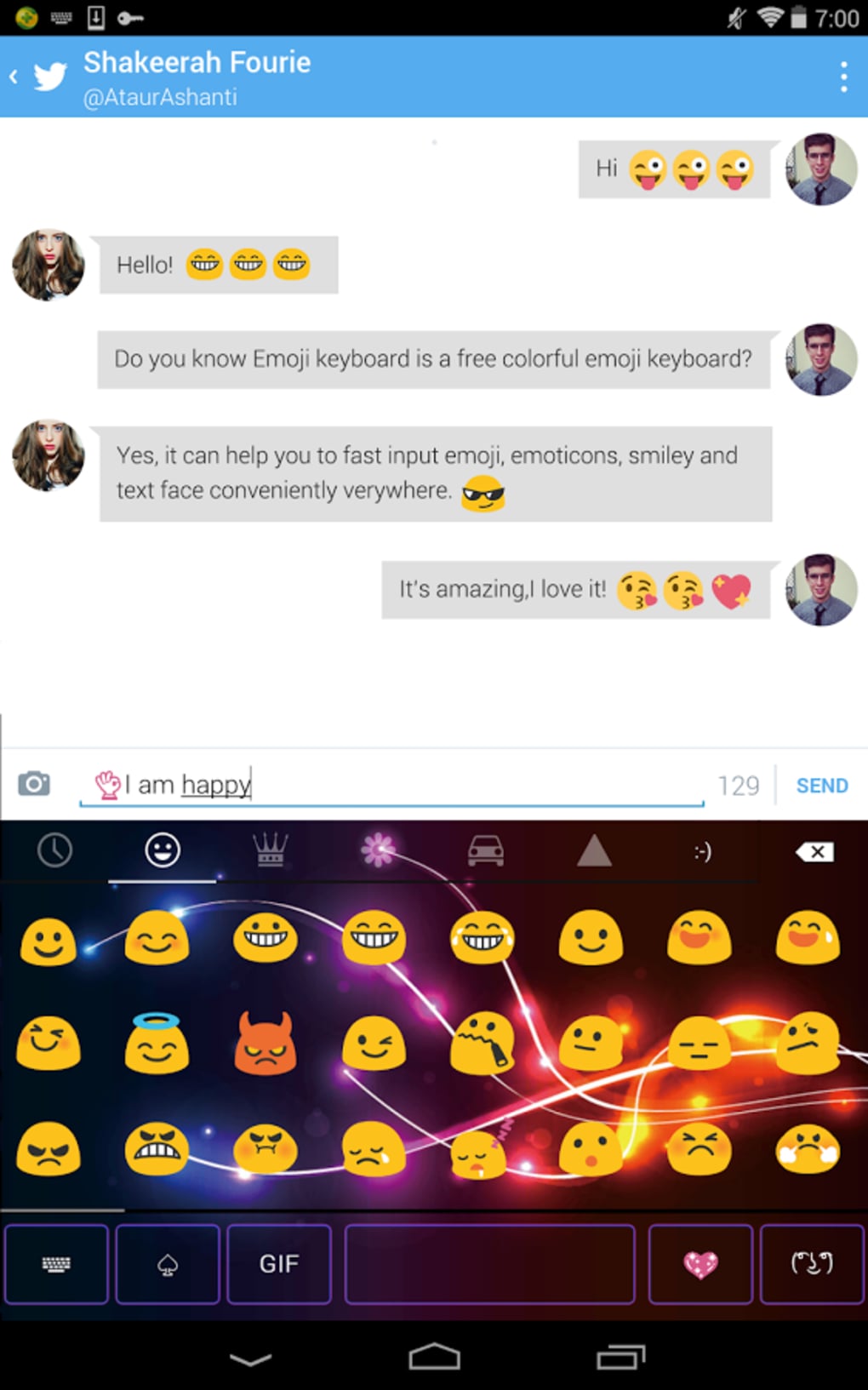
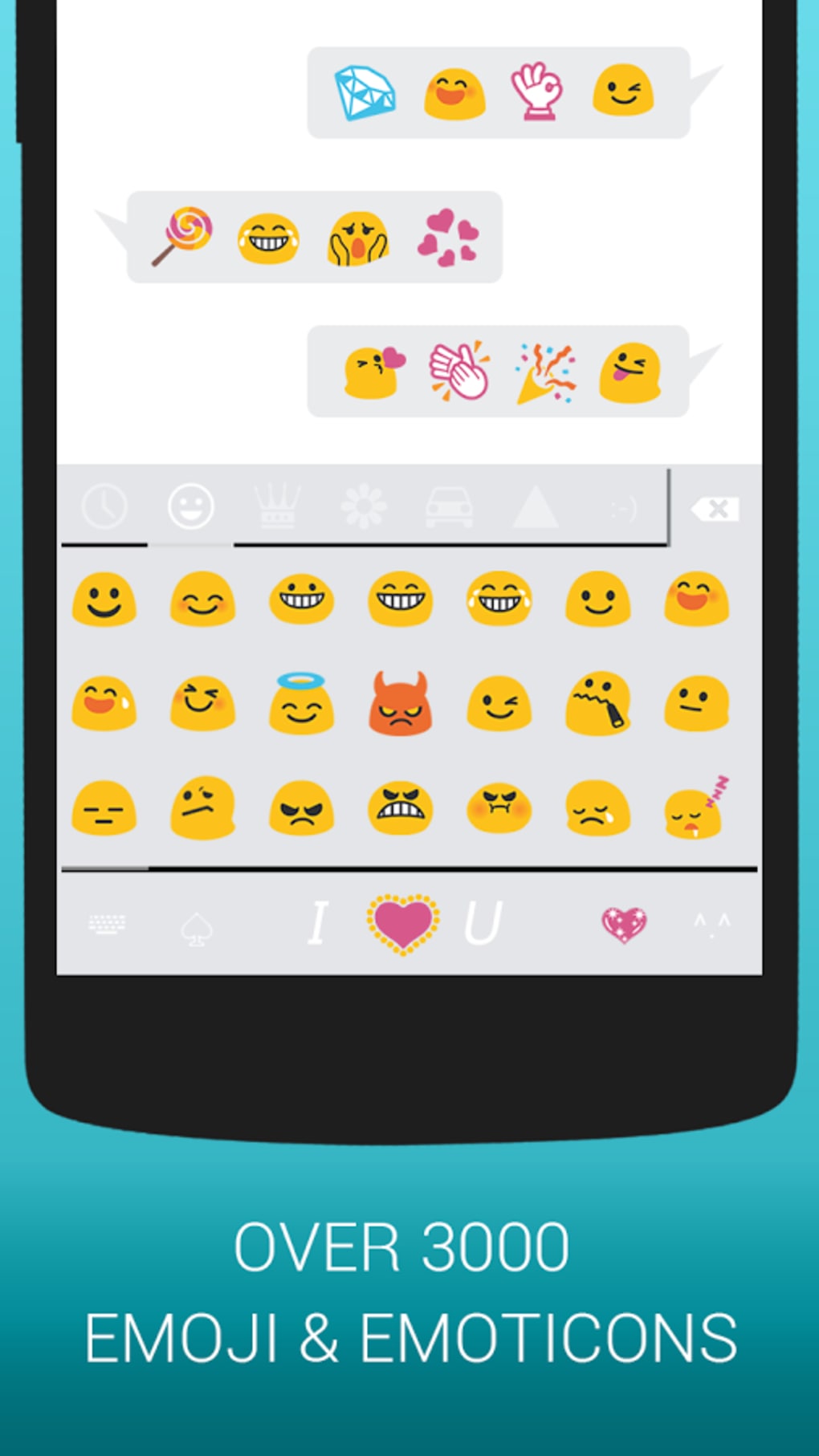
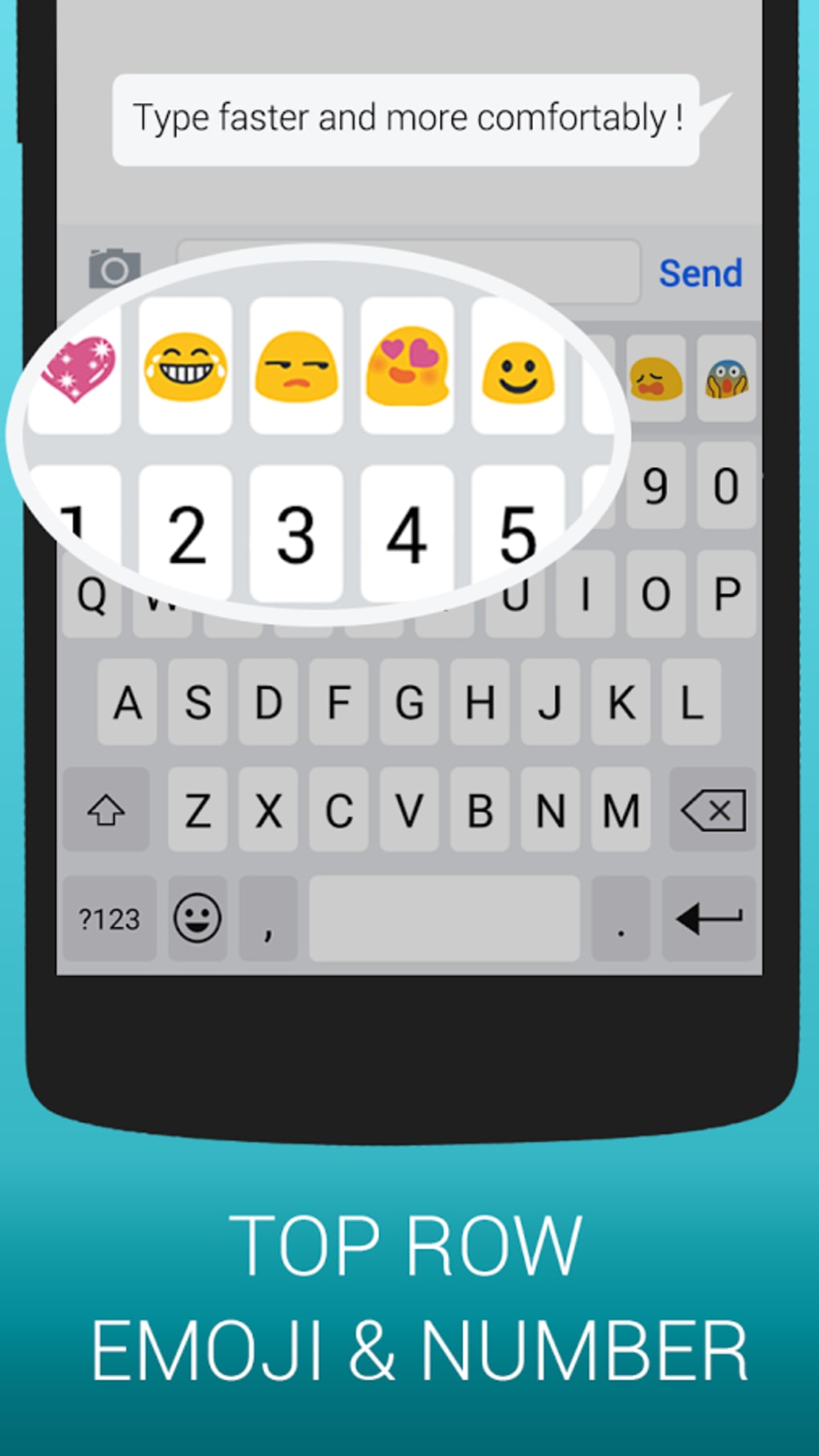
The app offers a suite of features designed to streamline and enhance digital communication. A built-in emoji dictionary enables predictive emoji suggestions, helping users quickly find and insert relevant expressions based on context. This feature is particularly useful for users who frequently use emojis to convey tone or emotion. The integration of stickers and GIFs adds a dynamic layer to messages, allowing users to send animated content directly from the keyboard. A dedicated GIF search function enables real-time discovery and immediate sharing without switching apps. The keyboard is fully customizable, supporting theme, font, and color adjustments to match personal style. Auto-correct and word prediction features assist in reducing typing errors and improving message accuracy. The clipboard function allows for easy copying and pasting of text, enhancing workflow efficiency during extended conversations. These capabilities collectively aim to reduce friction in messaging, enabling faster, more expressive communication. The app’s multilingual support ensures accessibility across different regions and language preferences. All features are designed to function within the Android ecosystem, with no indication of cloud synchronization or cross-device functionality.User Interface, Workflow & Performance
The user interface of Emoji Keyboard Cute Emoticons is structured around a clean, intuitive layout optimized for touch input. Navigation is straightforward, with emoji, sticker, and GIF tabs accessible via a horizontal menu at the top of the keyboard. The workflow is designed to minimize taps—users can search for content, select it, and send it with minimal steps. The keyboard layout supports standard typing alongside emoji insertion, allowing seamless transitions between text and visual elements. Ease of use is enhanced by auto-correct and word prediction, which reduce the need for manual corrections. Performance observations are based on general software behavior patterns, as no specific benchmark data was provided. The app operates within the Android framework, relying on system-level resources for rendering and input handling. The developer did not specify resource usage details, so CPU and RAM behavior remain unverified. Stability appears consistent with typical Android keyboard applications, though long-term usage under heavy load was not evaluated. The app runs without visible lag during standard use, and no crashes were reported in available documentation. Overall, the workflow supports efficient, real-time messaging with minimal interruption.Compatibility & System Requirements
Emoji Keyboard Cute Emoticons is designed for Android devices, with version 1.5.1 released on April 1, 2024. The installation size is 22.4 MB, indicating a lightweight footprint suitable for devices with limited storage. The app is compatible with Android operating systems, though the specific minimum version was not listed. Exact system requirements were not provided, so users should ensure their device meets standard Android compatibility standards for third-party keyboard apps. No information was given about hardware specifications such as processor speed or RAM. The developer did not specify whether the app supports tablet devices or foldable screens. Compatibility with other input methods or accessibility features was also not detailed. Users should verify that their device allows third-party keyboard installation in system settings. The app’s reliance on Android’s input method framework suggests broad compatibility with most modern Android smartphones and tablets, but definitive support ranges remain unconfirmed.Pros and Cons
Pros
- Free to download and use with ads
- Supports multiple languages for global accessibility
- Customizable themes, fonts, and colors for personalization
- Integrated emoji dictionary for predictive suggestions
- Real-time GIF search and direct sharing from the keyboard
- Stickers and animated content enhance message expressiveness
- Auto-correct and word prediction improve typing accuracy
- Privacy-focused design with no collection of sensitive data
- Lightweight installation size (22.4 MB)
Cons
- Ad-supported model may interrupt user experience
- No official information on minimum Android version
- Exact performance metrics and resource usage not disclosed
- Compatibility with tablets or foldable devices not confirmed
- Limited to Android platform; no iOS or desktop version available
- Clipboard functionality may vary across messaging apps
FAQ Section
Is Emoji Keyboard Cute Emoticons available for iOS?
The app is currently available only for Android devices. There is no information indicating support for iOS platforms.
Does the app collect personal or sensitive data?
According to the developer, the app is designed with privacy in mind and does not collect sensitive user information. However, no detailed privacy policy was provided in the available documentation.
Can I use this keyboard offline?
Yes, the app functions without an internet connection for basic typing and emoji insertion. However, real-time GIF search and online sticker access require an active connection.
How often are updates released?
The latest version, 1.5.1, was released on April 1, 2024. No information was provided about the frequency of future updates or update notifications.
Is the app free to use?
Yes, the app is free to download and use. It includes advertisements to support its development and maintenance.
Final Thoughts + CTA
Emoji Keyboard Cute Emoticons delivers a vibrant, user-friendly experience tailored to expressive communication on Android. With its customizable interface, predictive emoji suggestions, and integrated GIF and sticker support, the app stands out as a fun and practical tool for younger users who prioritize creativity in messaging. The privacy-focused approach and multilingual support further enhance its appeal. While the ad-supported model may affect user experience, the app remains lightweight and functional across a range of devices. The lack of detailed system requirements and update frequency information limits full transparency, but the core features perform reliably. For teens and young adults seeking a dynamic, personalized keyboard experience, this app offers a compelling option. Download Emoji Keyboard Cute Emoticons now to enhance your messaging with fun, expressive tools.Guides & Tutorials for Emoji Keyboard Cute Emoticons
How to install Emoji Keyboard Cute Emoticons
- Click the Preview / Download button above.
- Once redirected, accept the terms and click Install.
- Wait for the Emoji Keyboard Cute Emoticons download to finish on your device.
How to use Emoji Keyboard Cute Emoticons
This software is primarily used for its core features described above. Open the app after installation to explore its capabilities.
User Reviews for Emoji Keyboard Cute Emoticons 0
No reviews found





